
01Media slotAdd a short focus clip
Guide the eye
Spotlights, tap pulses, and zooms keep every click easy to follow.
Capture the idea, shape the story, and share a demo that already feels finished.
Now availableDesktop apps for Windows + MacRecording is only the first take. ScreenSlick helps you guide attention, keep the pace, and make the message feel effortless.
Spotlights, tap pulses, and zooms keep every click easy to follow.
Trim pauses, freeze a moment, or speed through the parts in between.
Captions, frames, and privacy blur make the final story ready to share.
Multi-track timeline. Real-time canvas. Local export. No download.
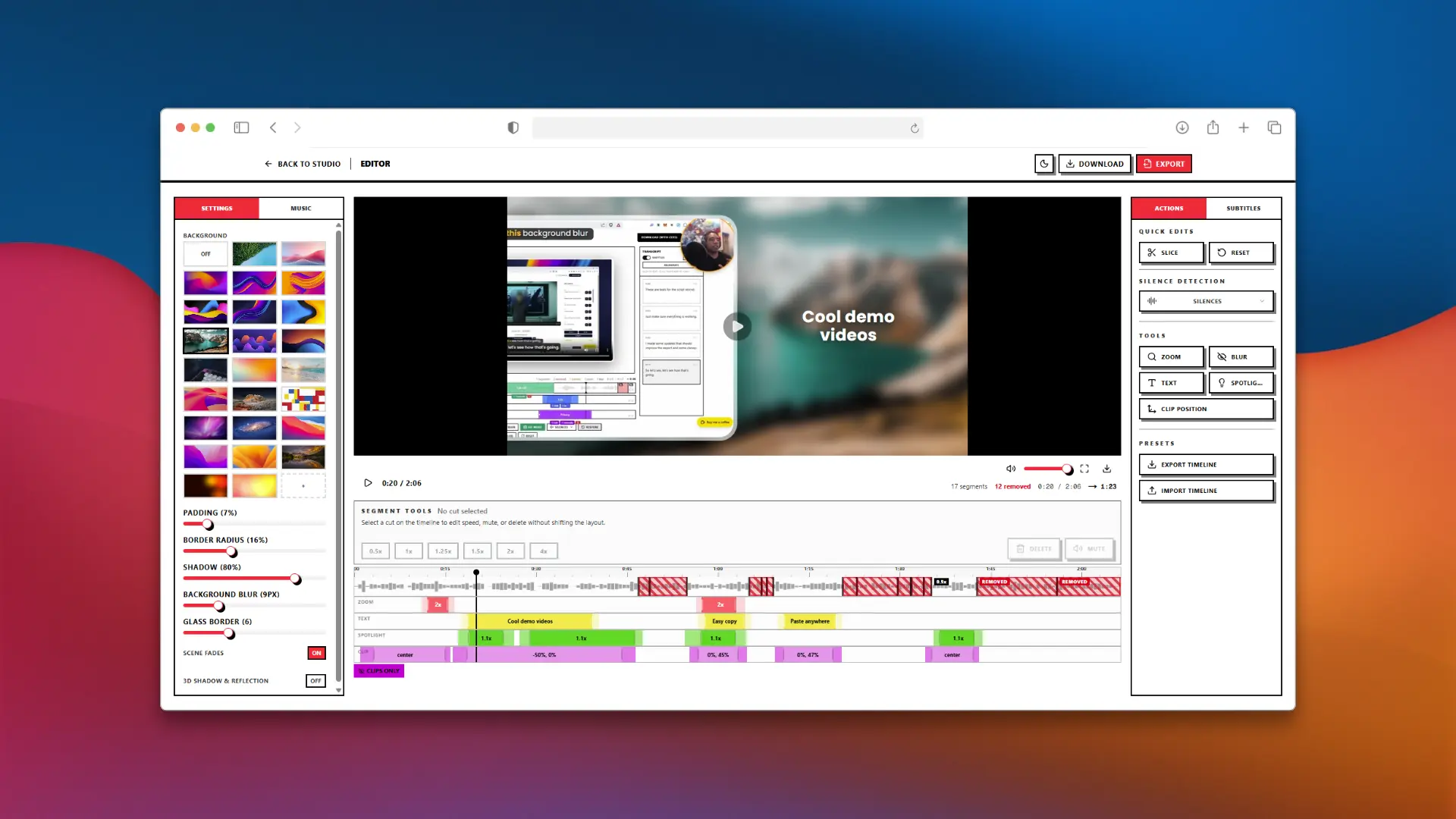
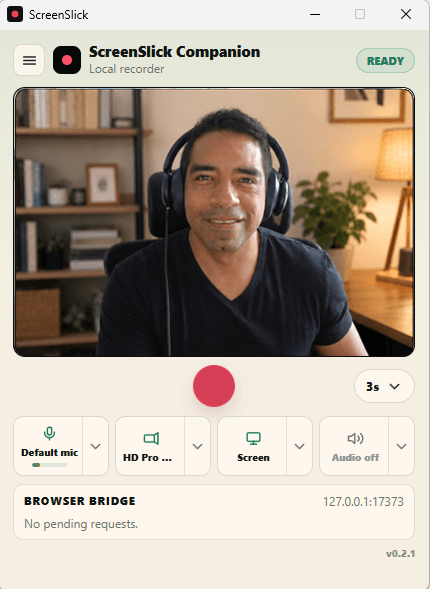
Use the ScreenSlick desktop app to capture your cursor, screen, camera, and microphone locally, plus system audio where supported. Then open the take in the browser editor with editable layers, custom cursor styles, and automatic zooms.
Motion Studio turns a chat with Claude into a real timeline: kinetic titles, 3D device shots, transitions, music and sound effects, all as clips you can drag, trim and tweak yourself. Claude writes Remotion code on your computer with your own Claude plan; the video exports right in your browser.
npx -y screenslick-mcp studioRun it, then open the studio. Needs Node.js and Claude Code. How it works →
ScreenSlick exposes the open timeline through a local MCP bridge, so Codex, Claude, Cursor, and other MCP clients can use the same editor tools you do: captions, silence removal, layouts, backgrounds, readable text backplates, voiceovers, effects, and exports.
“Add a title with a rounded dark backplate over the busy footage.”
{
  "mcpServers": {
    "screenslick": {
      "type": "stdio",
      "command": "npx",
      "args": [
        "-y",
        "screenslick-mcp"
      ]
    }
  }
}No subscription. No seat math. No upsell carousel.
Limited-time lifetime price. Regular price returns to $99.99.
Use one shared balance for premium voices and ultra-fast premium transcription. Available for signed-in users.
Your next polished demo starts with one simple recording.
Start recording. It's free